Marshall University faculty and staff can access all current University contracts and agreements through Marshall Marketplace.
To view contracts:
- Log in to Marshall Marketplace.
- Click the Navigation Menu in the upper-left corner of the screen.
- Select Contracts.
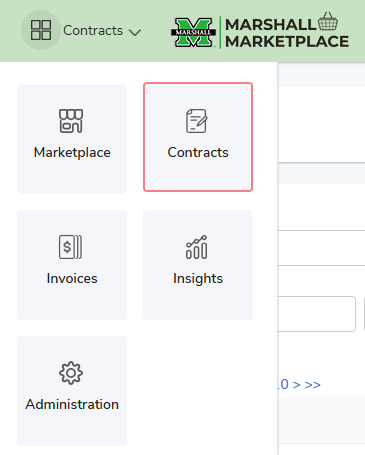
From there, you can search for and review all current contracts and agreements maintained by Marshall University.
Need Assistance?
If you experience any issues accessing the Contracts module in Marshall Marketplace, please submit a Marshall Marketplace Issue/Question – GENERAL request through myMU>My Support. Our team will review your access and assist with any necessary updates.