
Marshall Mobile ID
Marshall Mobile ID
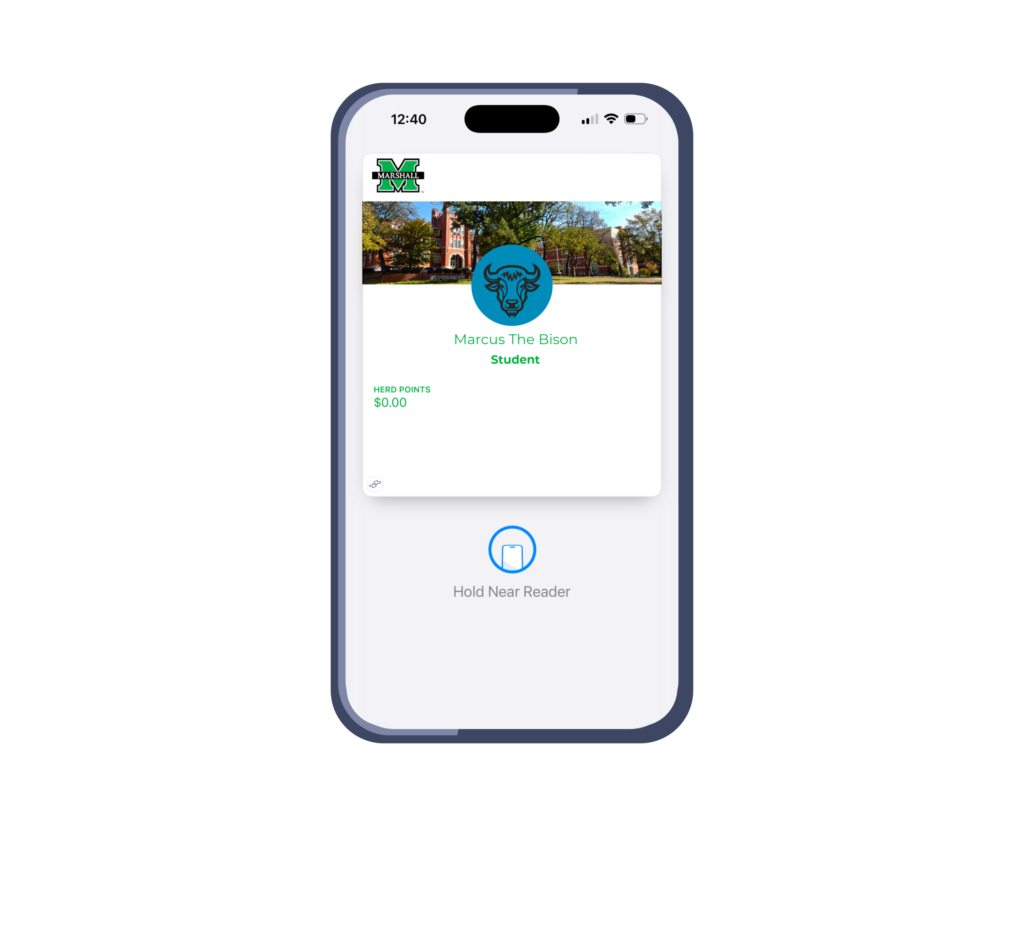
Marshall University’s Marshall Mobile ID (MMID) allows students, faculty, and staff to add their official campus ID directly to Apple Wallet or Google Pay, enabling the use of a smartphone or Apple Watch in place of a physical MUID card.
By simply tapping their mobile device at supported readers across campus, users can access residence halls, libraries, and the Recreation Center, make dining and bookstore purchases, print documents, and more.
Managed by the Campus ID Office, Marshall Mobile ID provides the same everyday functionality as a traditional ID card while offering added convenience through mobile technology, with enrollment instructions available for eligible users.
Marshall Mobile ID Issuance & Setup
Effective June 1, 2020, Marshall University issues Marshall Mobile IDs only. Mobile IDs can be set up remotely, and an in‑person visit to the Campus ID Office is not required. Photo submission and ID verification are completed online for new/incoming students as well as current students. Please follow the instructions that correspond to your current enrollment or employment status; step‑by‑step guides and instructional videos are available below to assist with setup.
Questions for Employees
New or current employees with questions about Marshall Mobile ID should contact the Campus ID Office at 304‑696‑6843 or email campusid@marshall.edu.