Digital Accessibility and Universal Design for Learning
The U.S. Department of Justice has extended the 2024 Title II web accessibility compliance deadline by one year, to April 26, 2027. Marshall University’s policy has been updated to reflect this new federal deadline, and we remain fully committed to digital accessibility.

What is Digital Accessibility?
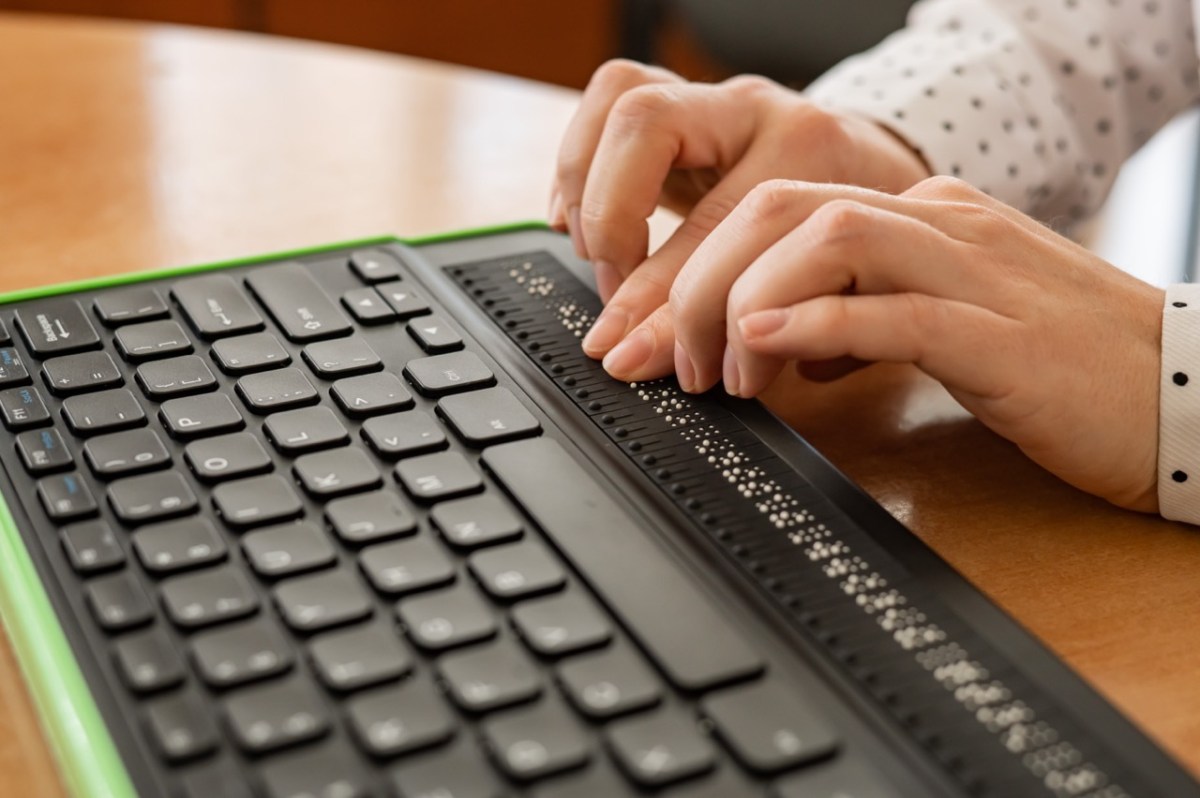
Digital accessibility is the practice of creating and delivering technology and digital content in a way that removes barriers for people with a wide range of abilities, including variations in hearing, movement, sight, and cognitive function. When materials are digitally accessible, screen readers and other assistive technology can more effectively translate the organization and content for readers. By prioritizing accessibility, we empower all individuals to fully participate in the digital world.
In April 2024, the Department of Justice updated the ADA Title II standards for digital content at public institutions. By April 26, 2027, all digital content at Marshall University that is available to the public or to students must meet WCAG 2.1 AA (Web Content Accessibility Guidelines).
But accessibility is more than just compliance. Marshall Online’s “Designing for All, Habit by Habit” initiative is our way of making accessibility a core part of our workflow. We believe that small, consistent actions – practical design habits – lead to big, positive changes over time. We’re building a more inclusive digital experience, one habit at a time.
Digital Accessibility at a Glance
The most common digital accessibility standards to be aware of when creating and remediating digital content include:
- Adding alternative text (alt text) to images
- Formatting headings with styles (Heading 1, Heading 2) so assistive tech can recognize them
- Providing captions for videos and other multimedia
- Using descriptive link text instead of generic phrases such as “click here”
- Ensuring PDFs are tagged aand accessible
- Using sufficient color contrast between text and background, and avoiding using color only for meaning
- Formatting tables with headers and structure

Who is responsible for digital accessibility at Marshall?
Everyone contributes to a more inclusive, digitally accessible campus community. Learn more about your role in this effort:
- Faculty: All digital materials available to students should be accessible, including any documents, videos, assignments, and content from third-party vendors posted in Blackboard or shared online.
- Employees: All digital content created for Marshall, including Marshall webpages, social media, digital flyers, and online training materials.
- Students: If you create content for a university office or are writing a thesis or dissertation, you must meet accessibility standards. For regular coursework, there is no legal requirement to apply these standards. However, learning how to make your work accessible will strengthen collaboration with peers and instructors and help you build transferable skills. Many workplaces also require digital accessibility, so developing these skills now can give you a professional advantage.
- External Partners: If you develop any materials for Marshall, such as content for a microcredential course, you will need to ensure accessibility standards are met.

Why Universal Design for Learning (UDL)?
Our “Designing for All, Habit by Habit” initiative supports digital accessibility while proactively incorporating Universal Design for Learning (UDL) principles. UDL is rooted in the idea that good design serves everyone from the start—an approach originally developed in architecture to create spaces without the need for retrofitting or special accommodations.
Applied to education, UDL helps faculty design flexible, inclusive learning environments that anticipate diverse student needs. Rather than designing for the “average” learner, UDL encourages faculty to build courses that offer multiple ways for students to access content, engage with material, and demonstrate what they’ve learned. By applying UDL principles, you can improve equity, boost motivation, and reduce barriers to learning—without sacrificing academic rigor.
Digital Accessibility Contacts:
- Faculty College Accessibility Liaisons – digital accessibility & UDL in academic disciplines
- Email MUIT Training – digital accessibility & university technologies
- Design Center – Blackboard & online pedagogy
- Office of Accessibility and Accommodations – student accessibility & accommodation services
- Center for Teaching and Learning (CTL) – pedagogy & research
- Marketing and Communications team – webpages & social media
- Digital Accessibility Committee – other questions or feedback related to digital accessibility. This committee is comprised of representatives from Academic Affairs, MU Information Technology, Marshall Online, Center for Teaching and Learning, Office of Accessibility and Accommodations, Marshall Libraries, and Marketing and Communications. Email digitalaccessibilityhelp@marshall.edu.
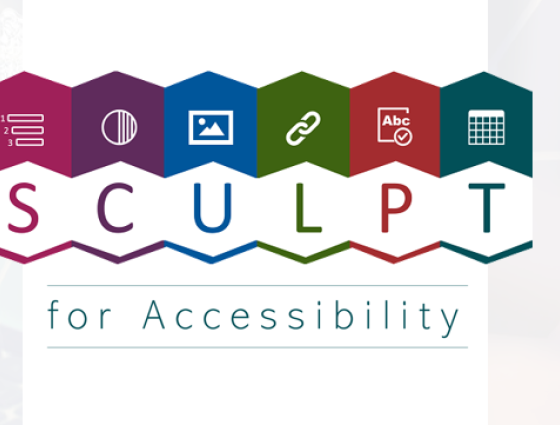
Designing for All, Habit by Habit Series
Resources
Additional Information
Helpful Links
- Marshall University Digital Accessibility Policy: Marshall’s policy aligns with the ADA Title II update.
- MUIT Self-Service for Digital Accessibility: This knowledge base offers information for achieving accessibility with Office, Adobe, and Blackboard. It will continue to be updated with more tools.
- Web Accessibility Initiative: Design and Develop Overview: This page from World Wide Web Consortium (W3C) offers tips for writing, designing, and developing accessible content. It includes specific recommendations for meeting WCAG standards with audio and visual media.
- How to Meet WCAG Quick Reference: This guide from W3C includes WCAG 2.1 AA standards and how to meet them.
- Screen Reader Demo in Blackboard: What is it like to take a course with a screen reader? Aaron Preece, Editor-in-Chief of AccessWorld, (an American Foundation for the Blind publication) and graduate of Marshall University, demonstrates how he uses a screen reader to navigate a course in Blackboard.
This page is dedicated to providing the tools and knowledge you need to support digital accessibility efforts at Marshall University. However, since accessibility laws are dynamic and nuanced, this information (updated Aug. 2026) may not reflect the latest updates and should not replace legal advice. For legal questions about accessibility at Marshall University, reach out to the Office of Accessibility and Accommodations.