The Digital Accessibility Resource Center is a Blackboard organization for Marshall faculty.
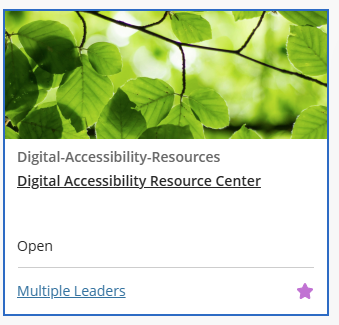
This organization serves as a centralized collection of resources from the Design Center, MUIT, and other Marshall offices to support digital accessibility efforts in courses. This allows us to offer training materials that are exclusive to Marshall faculty.
Steps to Self-Enroll
- Make sure you are logged into Blackboard.
- Click on Digital Accessibility Resource Center.
- On the Self-Enrollment page, you will see the name of the organization. Click Submit to confirm self-enrollment.
- You will then be directed to the organization and can start looking through the modules.
Email onlinelearning@marshall.edu if you need help self-enrolling.