Welcome to the Marshall University Campus Card Site
Here you can view account information for
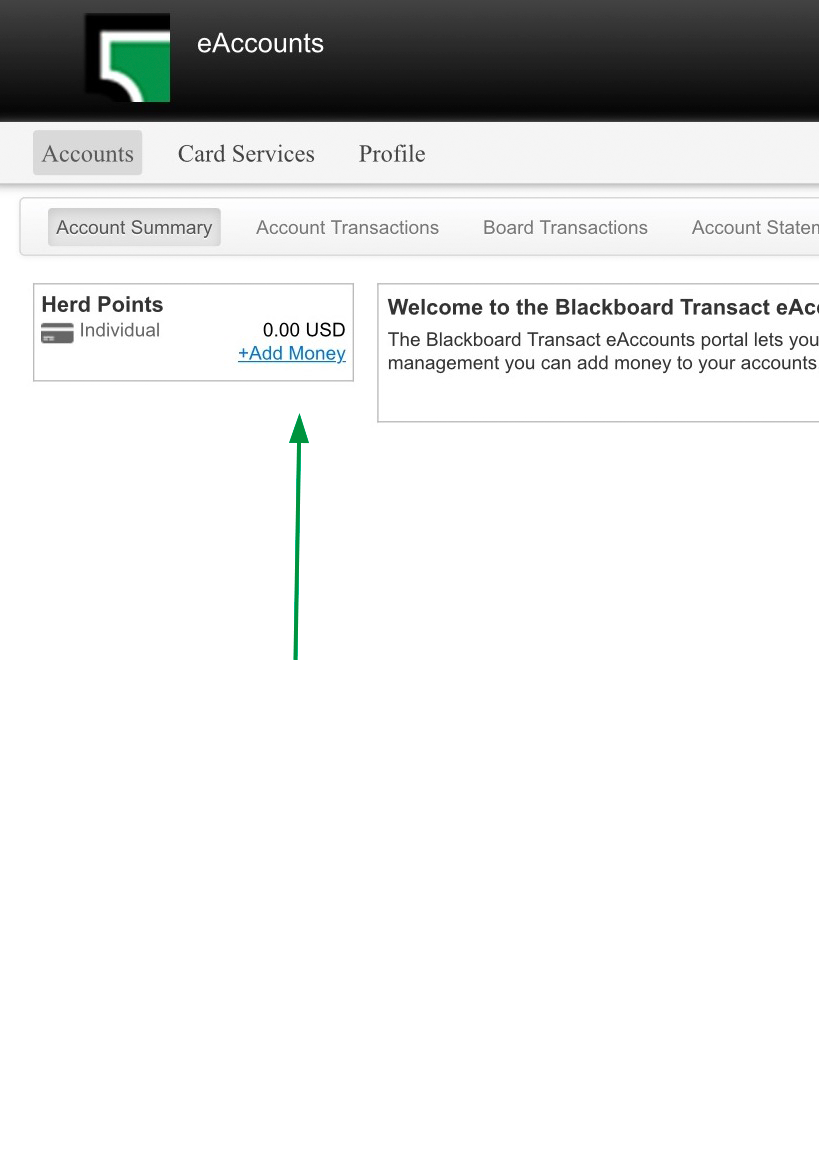
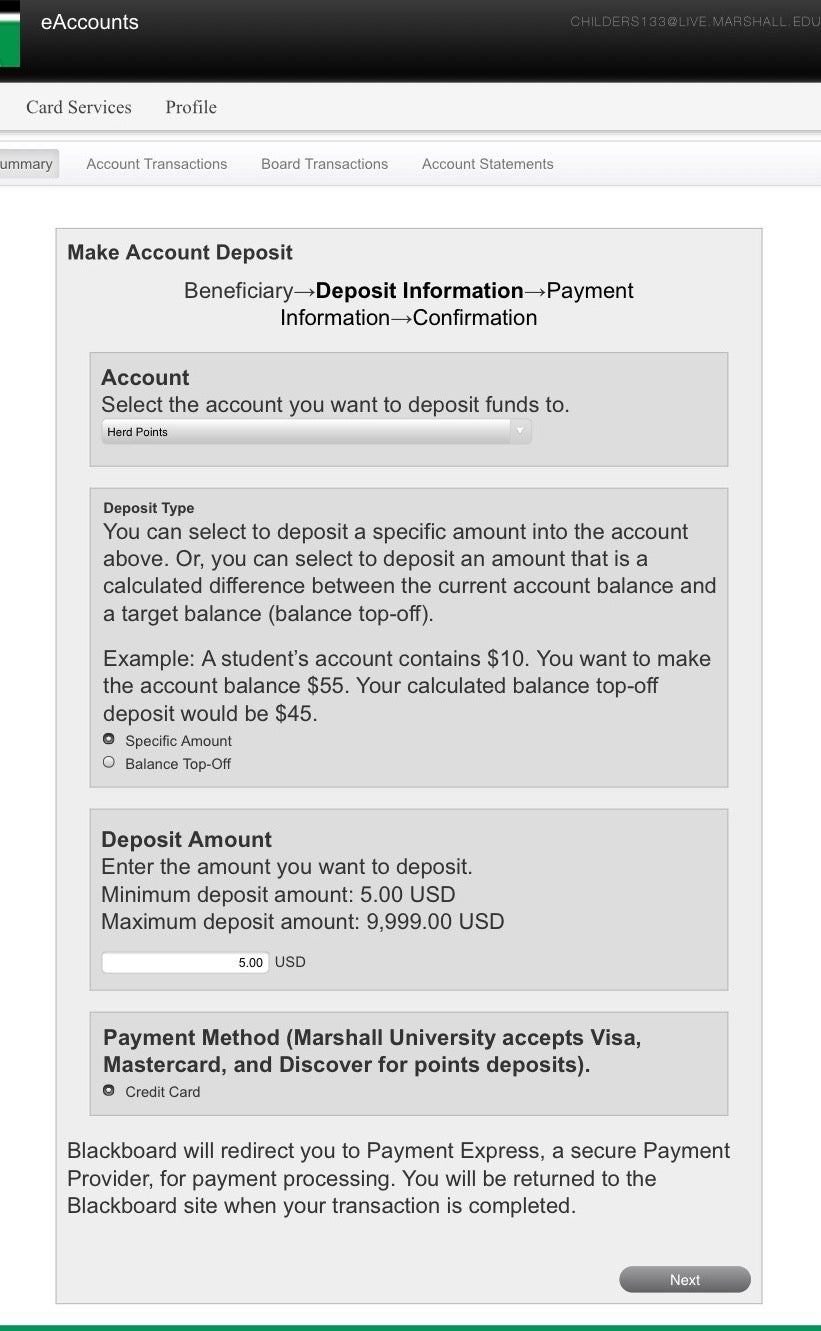
- Herd Points – View your account balance, activity and make an immediate deposit. Use these points for purchases at participating campus locations including vending machines and receive discounts.
- Meal Plans – Track your weekly or block meal usage.
- Dining Dollars: View your Dining Dollars balance and activity. Spend these at campus dining venues as cash alternatives.
Logging In
In order to log in to the system, you’ll need to know your Marshall email and password. You will be logged in and transferred to the Card System site where you can manage your Account.
- Click the Log In button below to go to the Campus Card system.
- On the new page, click “Continue” to begin.
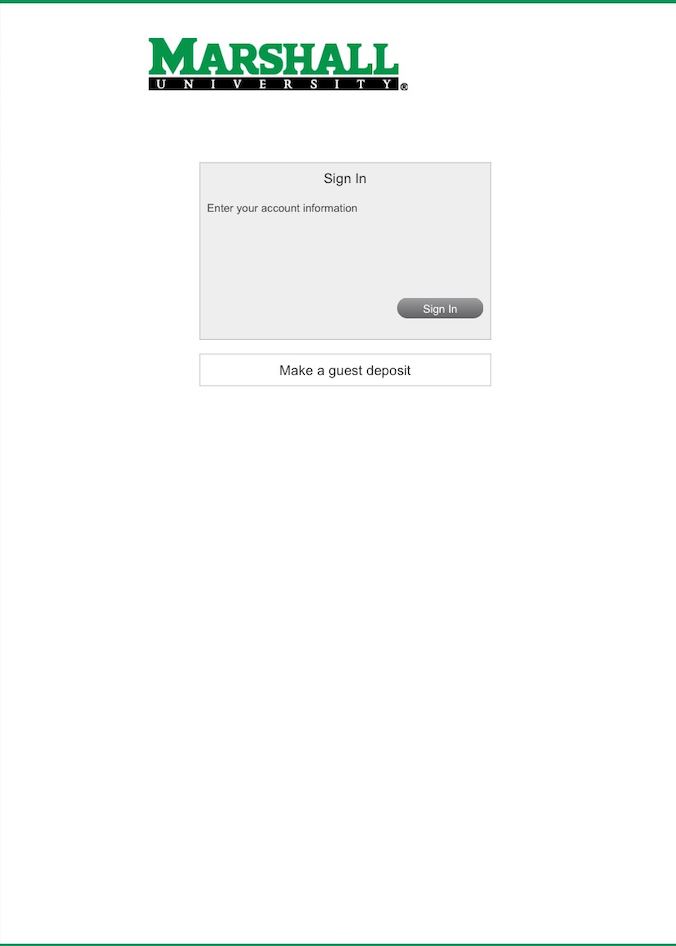
- Enter your Marshall email and password, then click “Sign In”.
- Authenticate through MFA if prompted.
- Click “Continue” to access your Herd Points Account.
Additional Information
Guest Deposits: To make a guest deposit you will need to enter the student’s MUID# and email address. After clicking the button above, click the “Make a guest deposit” link on the next page.
For assistance please contact the Campus Card Office at 304-696-6843 or at campusid@marshall.edu